Map library · New Zealand

New Zealand gold map layers

Every layer for New Zealand, with a picture, what it is for, its limits, its source and the plan that opens it. Start with the free ones.

29 layers for gold prospecting in New Zealand, in 9 categories. 2 are free on every plan: Gold Occurrences and Active Permits. 27 more open with Explorer.

29 layers9 categoriesFree 2Explorer 27

On iPhone? Get it on the App StoreOn Android? Get it on Google Play

Free to download on iPhone and Android.

7-day free trial on yearly plans · Nothing charged until it ends · Cancel anytime.

Scan with your phone camera to get the app
Open the web map

On your phone: App Store · Google Play

7-day free trial on yearly plans · Nothing charged until it ends · Cancel anytime.

4.7 / 5 from 2,400+ ratings on the App Store and Google Play · 10,000+ prospectors and detectorists
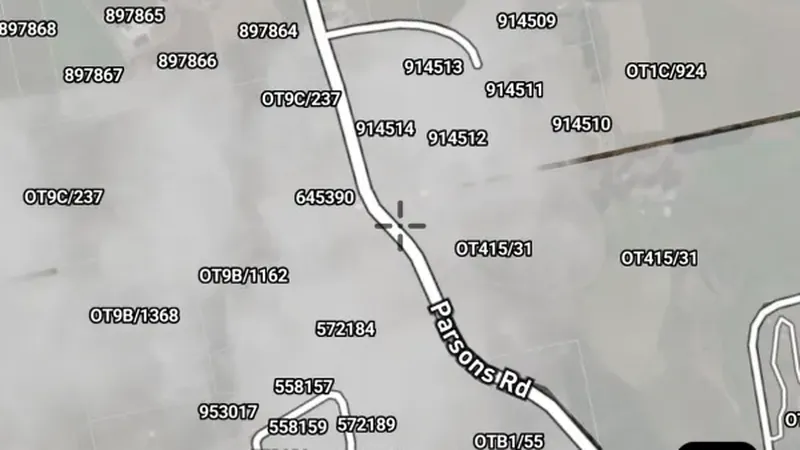
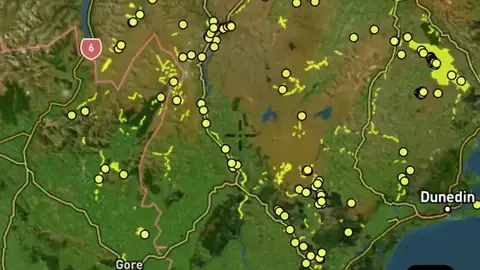
Gold Occurrences in the Detector Maps app, New Zealand© Mapbox, © Maxar

Satellite imagery © Mapbox, © Maxar. Layer data from the sources named on each card.

Satellite imagery © Mapbox, © Maxar. Layer data from the sources named on each card.

Gold & Mineral Data

4
  • Gold Occurrences in the Detector Maps app, New Zealand© Mapbox, © Maxar
    Gold & Mineral DataFree

    Gold Occurrences

    Recorded gold finds and gold-bearing sites show where gold has been reported before.

    Read the write-up
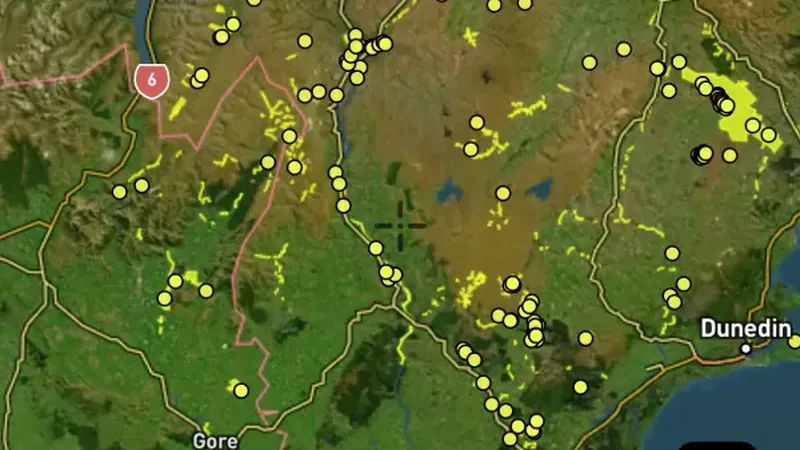
    Gold Occurrences in the Detector Maps app, New Zealand© Mapbox, © Maxar

    A screen from the Detector Maps app. Satellite imagery © Mapbox, © Maxar.

    Free. Opens on every plan, including Free.

    Open in the app

    About this layer

    Recorded gold finds and gold-bearing sites show where gold has been reported before. Compare nearby records with creeks, slopes and rock types to choose an area to research. A past find does not tell you how much gold remains.

    What it is for

    Compare nearby records with geology and terrain. Open available map details to see what was recorded at a location.

    Limits

    A record is a starting point for research. It does not show how much material remains, or whether you can access the land.

    Source

    Data provided by Land Information New Zealand (LINZ), GNS Science and New Zealand Petroleum & Minerals (NZP&M), licensed under CC BY 4.0
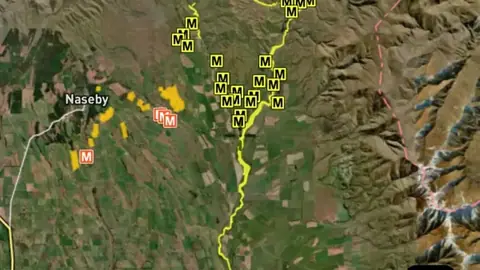
  • Historic Mines in the Detector Maps app, New Zealand© Mapbox, © Maxar
    Gold & Mineral DataExplorer

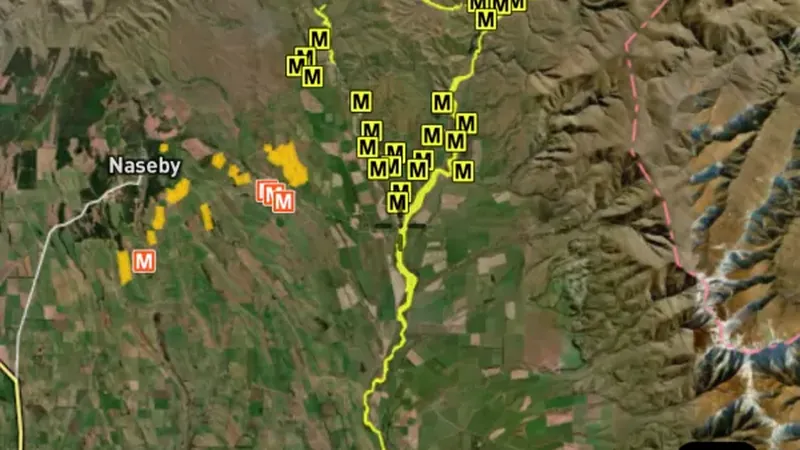
    Historic Mines

    Mine records show locations associated with mining.

    Read the write-up
    Historic Mines in the Detector Maps app, New Zealand© Mapbox, © Maxar

    A screen from the Detector Maps app. Satellite imagery © Mapbox, © Maxar.

    Explorer. Opens with Explorer or Pro. On the Free plan it works inside your one free area of 250 km².

    Open in the app

    About this layer

    Mine records show locations associated with mining. They can help you understand what people worked and how activity followed the local geology. Research the surrounding area without entering shafts, tunnels or unstable workings.

    What it is for

    Use these records to research the history of an area and compare workings with the surrounding geology.

    Limits

    A mapped working is not a safe place to enter. Locations, conditions and access may differ from the record.

    Source

    Data provided by Land Information New Zealand (LINZ), GNS Science and New Zealand Petroleum & Minerals (NZP&M), licensed under CC BY 4.0
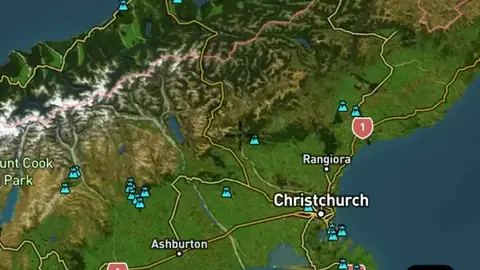
  • Historic Sites in the Detector Maps app, New Zealand© Mapbox, © Maxar
    Gold & Mineral DataExplorer

    Historic Sites

    Historic place records identify locations associated with earlier settlement or activity.

    Read the write-up
    Historic Sites in the Detector Maps app, New Zealand© Mapbox, © Maxar

    A screen from the Detector Maps app. Satellite imagery © Mapbox, © Maxar.

    Explorer. Opens with Explorer or Pro. On the Free plan it works inside your one free area of 250 km².

    Open in the app

    About this layer

    Historic place records identify locations associated with earlier settlement or activity. Use the available dates and details to compare them with old maps. Some places still exist, while others have changed or disappeared.

    What it is for

    Compare nearby records with geology and terrain. Open available map details to see what was recorded at a location.

    Limits

    A record is a starting point for research. It does not show how much material remains, or whether you can access the land.

    Source

    Data provided by Land Information New Zealand (LINZ), GNS Science and New Zealand Petroleum & Minerals (NZP&M), licensed under CC BY 4.0
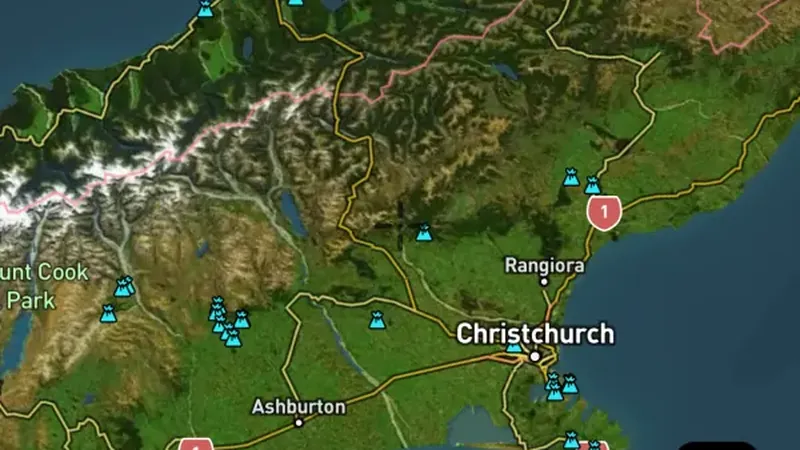
  • Mineral Drillholes in the Detector Maps app, New Zealand© Mapbox, © Maxar
    Gold & Mineral DataExplorer

    Mineral Drillholes

    Drill-hole records mark places where material below the surface was investigated.

    Read the write-up
    Mineral Drillholes in the Detector Maps app, New Zealand© Mapbox, © Maxar

    A screen from the Detector Maps app. Satellite imagery © Mapbox, © Maxar.

    Explorer. Opens with Explorer or Pro. On the Free plan it works inside your one free area of 250 km².

    Open in the app

    About this layer

    Drill-hole records mark places where material below the surface was investigated. Check any available depths and sample results to understand what was tested. A point marks the hole location, not the position of every sample underground.

    What it is for

    Check depth and assay details where available. Compare several holes with the surface geology before drawing conclusions.

    Limits

    A value from depth may have little bearing on what a detector can reach. The map point usually locates the hole, not each sample underground.

    Source

    Data provided by Land Information New Zealand (LINZ), GNS Science and New Zealand Petroleum & Minerals (NZP&M), licensed under CC BY 4.0
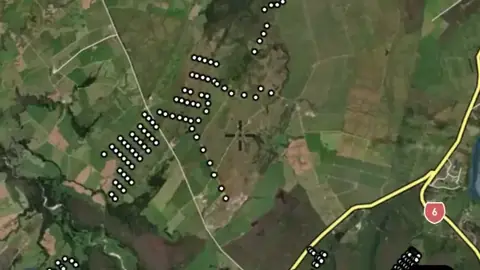
Mining Permits & Areas

8
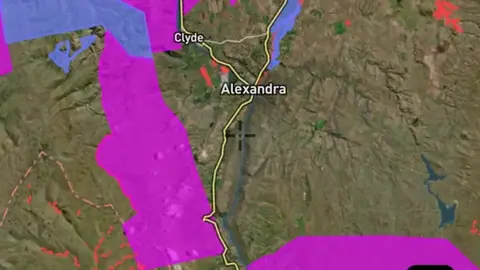
  • Active Permits in the Detector Maps app, New Zealand© Mapbox, © Maxar
    Mining Permits & AreasFree

    Active Permits

    Current mineral tenure shows mapped mining rights, licences or permits.

    Read the write-up
    Active Permits in the Detector Maps app, New Zealand© Mapbox, © Maxar

    A screen from the Detector Maps app. Satellite imagery © Mapbox, © Maxar.

    Free. Opens on every plan, including Free.

    Open in the app

    About this layer

    Current mineral tenure shows mapped mining rights, licences or permits. Check the record type and status together with land-access information. A mineral boundary does not by itself establish who may enter or prospect.

    What it is for

    Check the legend, status and available record details. Confirm the current record and relevant access arrangements before visiting.

    Limits

    Applications and granted rights are different. A mapped boundary alone does not tell you whether detecting is permitted.

    Source

    Data provided by Land Information New Zealand (LINZ), GNS Science and New Zealand Petroleum & Minerals (NZP&M), licensed under CC BY 4.0
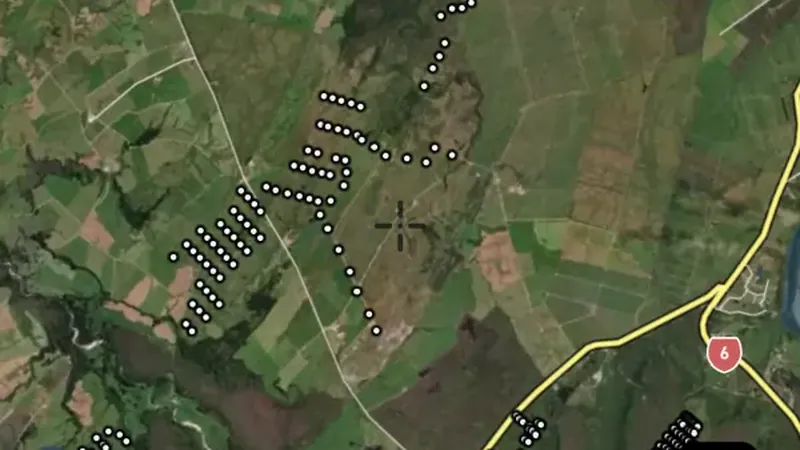
    Filters in the app

    Expiry filter
  • Gold Fossicking Areas in the Detector Maps app, New Zealand© Mapbox, © Maxar
    Mining Permits & AreasExplorer

    Gold Fossicking Areas

    These are mapped fossicking or recreational prospecting areas.

    Read the write-up
    Gold Fossicking Areas in the Detector Maps app, New Zealand© Mapbox, © Maxar

    A screen from the Detector Maps app. Satellite imagery © Mapbox, © Maxar.

    Explorer. Opens with Explorer or Pro. On the Free plan it works inside your one free area of 250 km².

    Open in the app

    About this layer

    These are mapped fossicking or recreational prospecting areas. Open the area details and check the permitted activities, boundaries and conditions before visiting. Rules can vary between sites and between panning, detecting and other equipment.

    What it is for

    Read the individual area details and source guidance before visiting. Check the boundary and the activities covered by that arrangement.

    Limits

    Conditions may vary by site, equipment and activity. A panning or fossicking area is not automatically permission for every form of detecting.

    Source

    Data provided by Land Information New Zealand (LINZ), GNS Science and New Zealand Petroleum & Minerals (NZP&M), licensed under CC BY 4.0
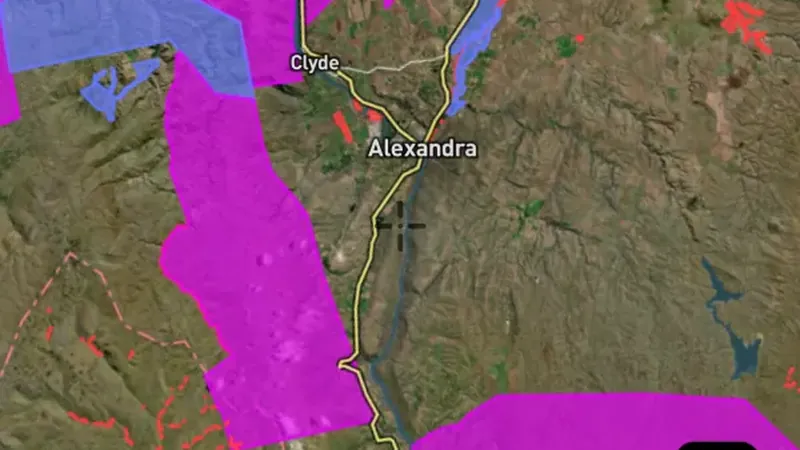
  • Active Gold Mining Permits in the Detector Maps app, New Zealand© Mapbox, © Maxar
    Mining Permits & AreasExplorer

    Active Gold Mining Permits

    Mining leases identify areas covered by recorded mining rights.

    Read the write-up
    Active Gold Mining Permits in the Detector Maps app, New Zealand© Mapbox, © Maxar

    A screen from the Detector Maps app. Satellite imagery © Mapbox, © Maxar.

    Explorer. Opens with Explorer or Pro. On the Free plan it works inside your one free area of 250 km².

    Open in the app

    About this layer

    Mining leases identify areas covered by recorded mining rights. Compare them with your intended location and inspect the available lease details. Confirm the current status and permissions before planning work on the land.

    What it is for

    Check the legend, status and available record details. Confirm the current record and relevant access arrangements before visiting.

    Limits

    Applications and granted rights are different. A mapped boundary alone does not tell you whether detecting is permitted.

    Source

    Data provided by Land Information New Zealand (LINZ), GNS Science and New Zealand Petroleum & Minerals (NZP&M), licensed under CC BY 4.0
    Filters in the app

    Expiry filter
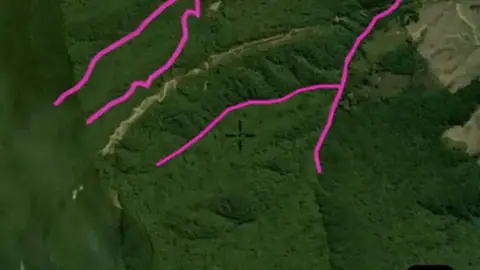
  • Closed Contests in the Detector Maps app, New Zealand© Mapbox, © Maxar
    Mining Permits & AreasExplorer

    Closed Contests

    Closed contest records identify areas associated with a completed mineral permit contest.

    Read the write-up
    Closed Contests in the Detector Maps app, New Zealand© Mapbox, © Maxar

    A screen from the Detector Maps app. Satellite imagery © Mapbox, © Maxar.

    Explorer. Opens with Explorer or Pro. On the Free plan it works inside your one free area of 250 km².

    Open in the app

    About this layer

    Closed contest records identify areas associated with a completed mineral permit contest. Use the record to research how the area was offered or allocated. A closed contest does not mean the land is unclaimed or open.

    What it is for

    Check the legend, status and available record details. Confirm the current record and relevant access arrangements before visiting.

    Limits

    Applications and granted rights are different. A mapped boundary alone does not tell you whether detecting is permitted.

    Source

    Data provided by Land Information New Zealand (LINZ), GNS Science and New Zealand Petroleum & Minerals (NZP&M), licensed under CC BY 4.0
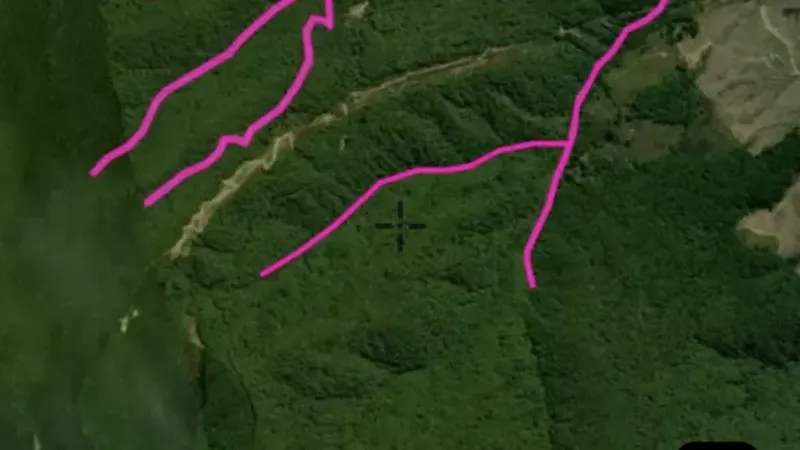
  • Permit Applications in the Detector Maps app, New Zealand© Mapbox, © Maxar
    Mining Permits & AreasExplorer

    Permit Applications

    Applications show proposed mineral rights that are still recorded as applications.

    Read the write-up
    Permit Applications in the Detector Maps app, New Zealand© Mapbox, © Maxar

    A screen from the Detector Maps app. Satellite imagery © Mapbox, © Maxar.

    Explorer. Opens with Explorer or Pro. On the Free plan it works inside your one free area of 250 km².

    Open in the app

    About this layer

    Applications show proposed mineral rights that are still recorded as applications. They are different from granted rights. Check for overlapping current tenure and confirm the latest status before making an access decision.

    What it is for

    Check the legend, status and available record details. Confirm the current record and relevant access arrangements before visiting.

    Limits

    Applications and granted rights are different. A mapped boundary alone does not tell you whether detecting is permitted.

    Source

    Data provided by Land Information New Zealand (LINZ), GNS Science and New Zealand Petroleum & Minerals (NZP&M), licensed under CC BY 4.0
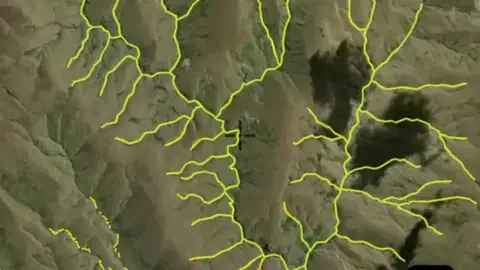
  • Extensions of Land in the Detector Maps app, New Zealand© Mapbox, © Maxar
    Mining Permits & AreasExplorer

    Extensions of Land

    Extensions of land identify additional land associated with a recorded mineral permit arrangement.

    Read the write-up
    Extensions of Land in the Detector Maps app, New Zealand© Mapbox, © Maxar

    A screen from the Detector Maps app. Satellite imagery © Mapbox, © Maxar.

    Explorer. Opens with Explorer or Pro. On the Free plan it works inside your one free area of 250 km².

    Open in the app

    About this layer

    Extensions of land identify additional land associated with a recorded mineral permit arrangement. Compare the extension with the main permit and its details. Check current records before deciding what rights apply.

    What it is for

    Check the legend, status and available record details. Confirm the current record and relevant access arrangements before visiting.

    Limits

    Applications and granted rights are different. A mapped boundary alone does not tell you whether detecting is permitted.

    Source

    Data provided by Land Information New Zealand (LINZ), GNS Science and New Zealand Petroleum & Minerals (NZP&M), licensed under CC BY 4.0
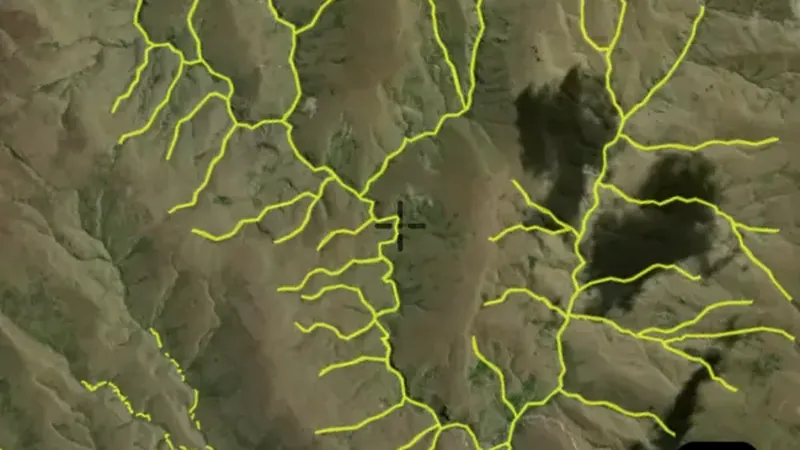
  • Mining Licences (pre-1991) in the Detector Maps app, New Zealand© Mapbox, © Maxar
    Mining Permits & AreasExplorer

    Mining Licences (pre-1991)

    Historic claims and leases show where mineral rights were recorded in the past.

    Read the write-up
    Mining Licences (pre-1991) in the Detector Maps app, New Zealand© Mapbox, © Maxar

    A screen from the Detector Maps app. Satellite imagery © Mapbox, © Maxar.

    Explorer. Opens with Explorer or Pro. On the Free plan it works inside your one free area of 250 km².

    Open in the app

    About this layer

    Historic claims and leases show where mineral rights were recorded in the past. They can help you trace earlier exploration and mining interest. An expired or historical record does not mean the land is now open.

    What it is for

    Check the legend, status and available record details. Confirm the current record and relevant access arrangements before visiting.

    Limits

    Applications and granted rights are different. A mapped boundary alone does not tell you whether detecting is permitted.

    Source

    Data provided by Land Information New Zealand (LINZ), GNS Science and New Zealand Petroleum & Minerals (NZP&M), licensed under CC BY 4.0
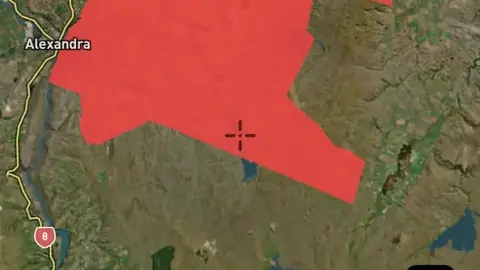
  • Mineral Reports in the Detector Maps app, New Zealand© Mapbox, © Maxar
    Mining Permits & AreasExplorer

    Mineral Reports

    Report records help you find earlier investigations of an area.

    Read the write-up
    Mineral Reports in the Detector Maps app, New Zealand© Mapbox, © Maxar

    A screen from the Detector Maps app. Satellite imagery © Mapbox, © Maxar.

    Explorer. Opens with Explorer or Pro. On the Free plan it works inside your one free area of 250 km².

    Open in the app

    About this layer

    Report records help you find earlier investigations of an area. Review the available maps, observations and sample results alongside current layers. The mapped location or extent is an index to the report, not proof that every part of the area was tested.

    What it is for

    Open available records and review their maps, observations and sample information alongside the current map.

    Limits

    The mapped location or extent is an index to a report. Findings may apply only to part of that area and reflect the time of the investigation.

    Source

    Data provided by Land Information New Zealand (LINZ), GNS Science and New Zealand Petroleum & Minerals (NZP&M), licensed under CC BY 4.0
Geochemistry (Gold)

4
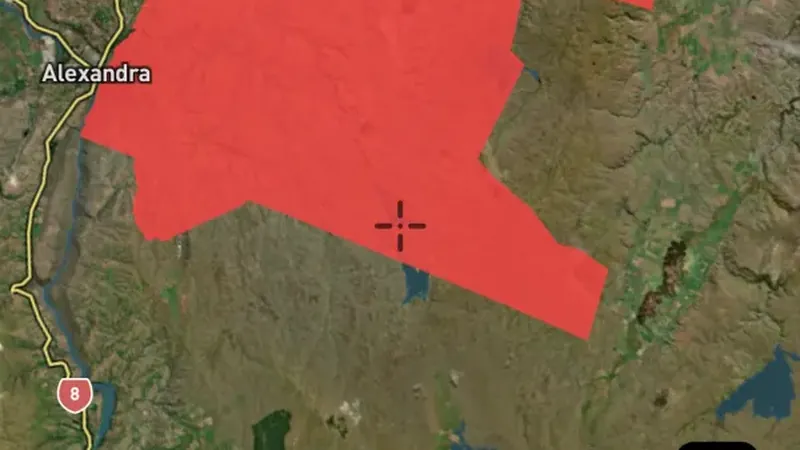
  • Stream Sediments in the Detector Maps app, New Zealand© Mapbox, © Maxar
    Geochemistry (Gold)Explorer

    Stream Sediments

    Stream sediment samples test material collected from creek or river beds.

    Read the write-up
    Stream Sediments in the Detector Maps app, New Zealand© Mapbox, © Maxar

    A screen from the Detector Maps app. Satellite imagery © Mapbox, © Maxar.

    Explorer. Opens with Explorer or Pro. On the Free plan it works inside your one free area of 250 km².

    Open in the app

    About this layer

    Stream sediment samples test material collected from creek or river beds. A higher reading can be a clue to mineral-bearing ground somewhere upstream. Compare nearby samples and the upstream drainage; the sample point is not necessarily the source.

    What it is for

    Compare readings along the drainage and with the geology upstream. Check the legend for the element and units.

    Limits

    Sediment can travel and mix with material from different sources. A sample point is not a precise source location.

    Source

    Data provided by Land Information New Zealand (LINZ), GNS Science and New Zealand Petroleum & Minerals (NZP&M), licensed under CC BY 4.0
    Filters in the app

    Soil sample filters
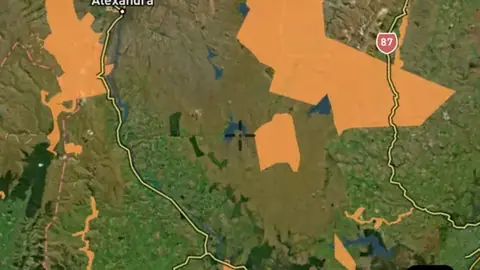
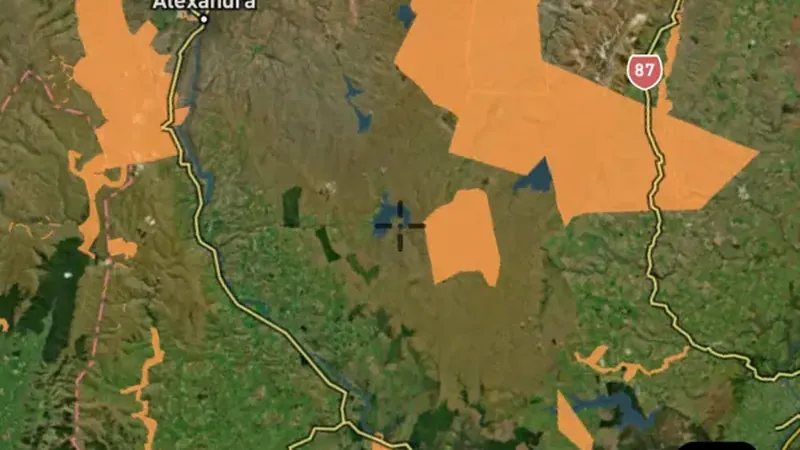
  • Rock Samples in the Detector Maps app, New Zealand© Mapbox, © Maxar
    Geochemistry (Gold)Explorer

    Rock Samples

    Rock samples show laboratory results from pieces of rock collected for testing.

    Read the write-up
    Rock Samples in the Detector Maps app, New Zealand© Mapbox, © Maxar

    A screen from the Detector Maps app. Satellite imagery © Mapbox, © Maxar.

    Explorer. Opens with Explorer or Pro. On the Free plan it works inside your one free area of 250 km².

    Open in the app

    About this layer

    Rock samples show laboratory results from pieces of rock collected for testing. Compare neighbouring samples to see whether an interesting result follows a rock unit or a vein. One rich sample may not represent the surrounding ground.

    What it is for

    Compare nearby samples and the mapped rock units. Open the record, where available, to check the sample description.

    Limits

    A selected rock sample may not represent the surrounding ground. Check units before comparing it with soil or stream readings.

    Source

    Data provided by Land Information New Zealand (LINZ), GNS Science and New Zealand Petroleum & Minerals (NZP&M), licensed under CC BY 4.0
    Filters in the app

    Soil sample filters
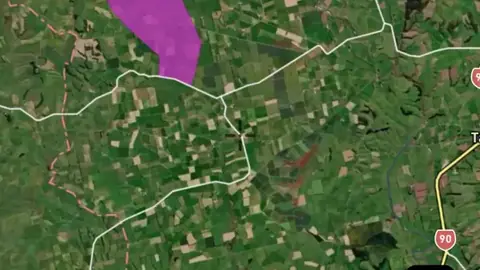
  • Regional Government Samples in the Detector Maps app, New Zealand© Mapbox, © Maxar
    Geochemistry (Gold)Explorer

    Regional Government Samples

    Regional sample surveys test material across a wider area to find broad patterns.

    Read the write-up
    Regional Government Samples in the Detector Maps app, New Zealand© Mapbox, © Maxar

    A screen from the Detector Maps app. Satellite imagery © Mapbox, © Maxar.

    Explorer. Opens with Explorer or Pro. On the Free plan it works inside your one free area of 250 km².

    Open in the app

    About this layer

    Regional sample surveys test material across a wider area to find broad patterns. Use them to narrow your research before comparing more detailed records. Widely spaced samples can leave substantial gaps between tested locations.

    What it is for

    Check the sample type, element and units in the legend before comparing readings. Look for patterns across nearby samples.

    Limits

    Sampling methods, depth and laboratory detection limits can differ. A high reading alone does not show a detectable nugget.

    Source

    Data provided by Land Information New Zealand (LINZ), GNS Science and New Zealand Petroleum & Minerals (NZP&M), licensed under CC BY 4.0
    Filters in the app

    Soil sample filters
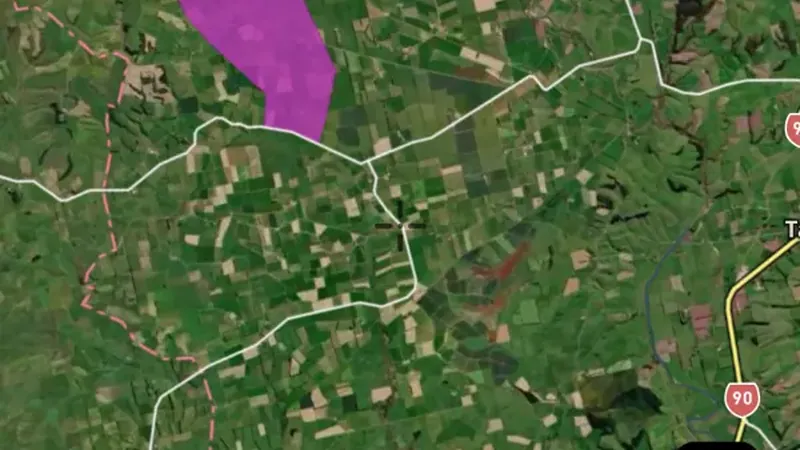
  • Soil Samples in the Detector Maps app, New Zealand© Mapbox, © Maxar
    Geochemistry (Gold)Explorer

    Soil Samples

    Soil samples show what a laboratory measured in soil collected near the surface.

    Read the write-up
    Soil Samples in the Detector Maps app, New Zealand© Mapbox, © Maxar

    A screen from the Detector Maps app. Satellite imagery © Mapbox, © Maxar.

    Explorer. Opens with Explorer or Pro. On the Free plan it works inside your one free area of 250 km².

    Open in the app

    About this layer

    Soil samples show what a laboratory measured in soil collected near the surface. Look for clusters of higher readings and compare them with nearby slopes, creeks and rock types. A high reading is a clue in a soil sample, not a detected nugget.

    What it is for

    Use the legend to compare readings from similar samples. Look for clusters and compare them with slopes, drainage and geology.

    Limits

    Soil can move downslope or be transported. A reading describes the collected sample, not the amount of gold beneath the point.

    Source

    Data provided by Land Information New Zealand (LINZ), GNS Science and New Zealand Petroleum & Minerals (NZP&M), licensed under CC BY 4.0
    Filters in the app

    Soil sample filters

Rivers and Streams

2
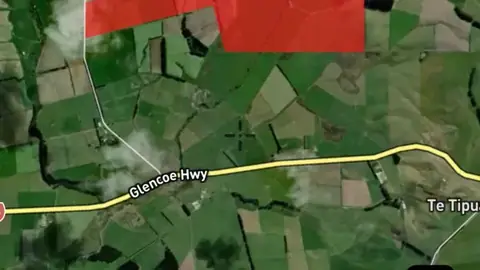
  • Waterfalls in the Detector Maps app, New Zealand© Mapbox, © Maxar
    Rivers and StreamsExplorer

    Waterfalls

    These points mark mapped waterfalls. They help you recognise changes in stream height and identify landmarks along a drainage.

    Read the write-up
    Waterfalls in the Detector Maps app, New Zealand© Mapbox, © Maxar

    A screen from the Detector Maps app. Satellite imagery © Mapbox, © Maxar.

    Explorer. Opens with Explorer or Pro. On the Free plan it works inside your one free area of 250 km².

    Open in the app

    About this layer

    These points mark mapped waterfalls. They help you recognise changes in stream height and identify landmarks along a drainage. Use terrain and current conditions to plan a safe route rather than relying on the marker alone.

    What it is for

    Follow drainage connections and compare them with terrain. Read the selected layer name and legend to distinguish feature types.

    Limits

    A mapped waterway may be dry, altered or difficult to cross. It does not establish access or permission to work in the waterway.

    Source

    Data provided by Land Information New Zealand (LINZ), GNS Science and New Zealand Petroleum & Minerals (NZP&M), licensed under CC BY 4.0
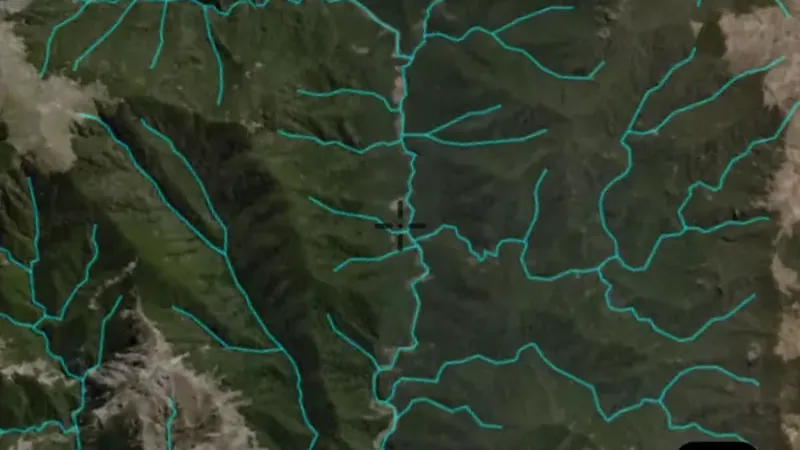
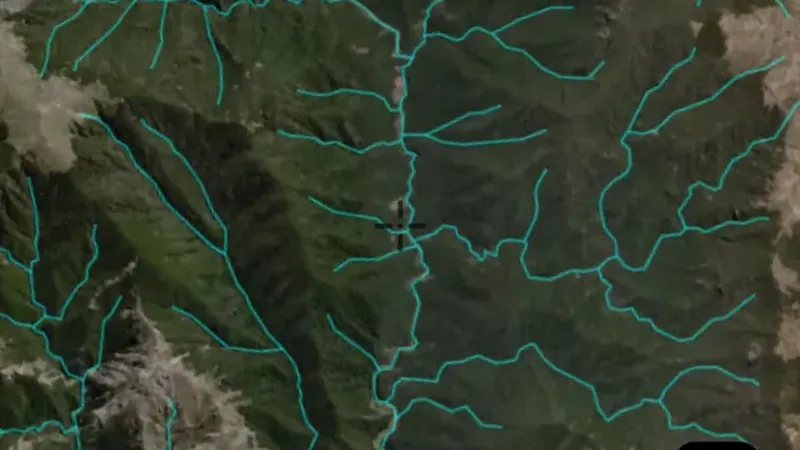
  • Rivers in the Detector Maps app, New Zealand© Mapbox, © Maxar
    Rivers and StreamsExplorer

    Rivers

    Waterways show the mapped routes of rivers, creeks and drainage lines.

    Read the write-up
    Rivers in the Detector Maps app, New Zealand© Mapbox, © Maxar

    A screen from the Detector Maps app. Satellite imagery © Mapbox, © Maxar.

    Explorer. Opens with Explorer or Pro. On the Free plan it works inside your one free area of 250 km².

    Open in the app

    About this layer

    Waterways show the mapped routes of rivers, creeks and drainage lines. Follow their connections and compare them with terrain when researching how sediment moves. A mapped waterway may be dry or altered, and does not establish access.

    What it is for

    Follow drainage connections and compare them with terrain. Read the selected layer name and legend to distinguish feature types.

    Limits

    A mapped waterway may be dry, altered or difficult to cross. It does not establish access or permission to work in the waterway.

    Source

    Data provided by Land Information New Zealand (LINZ), GNS Science and New Zealand Petroleum & Minerals (NZP&M), licensed under CC BY 4.0
Land Use & Access

3
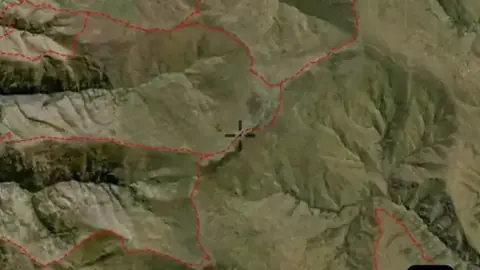
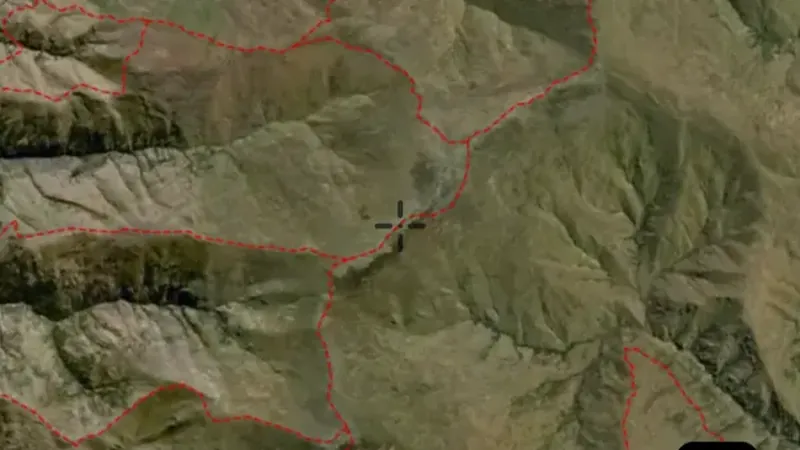
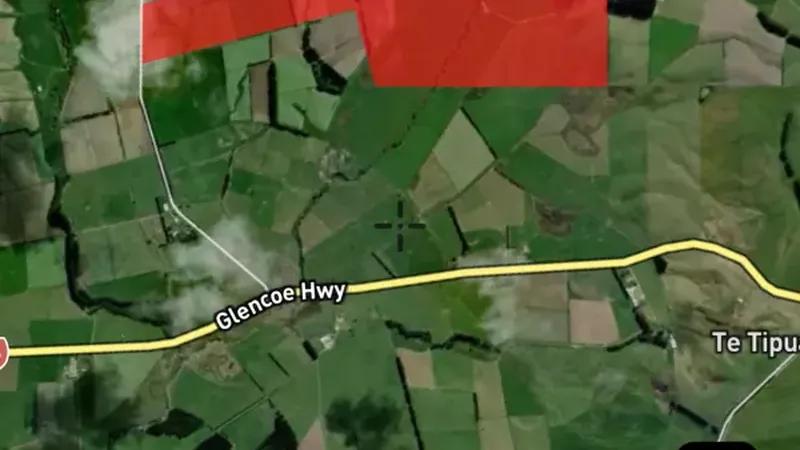
  • Paths & Tracks in the Detector Maps app, New Zealand© Mapbox, © Maxar
    Land Use & AccessExplorer

    Paths & Tracks

    Roads and tracks show mapped routes through the area.

    Read the write-up
    Paths & Tracks in the Detector Maps app, New Zealand© Mapbox, © Maxar

    A screen from the Detector Maps app. Satellite imagery © Mapbox, © Maxar.

    Explorer. Opens with Explorer or Pro. On the Free plan it works inside your one free area of 250 km².

    Open in the app

    About this layer

    Roads and tracks show mapped routes through the area. Compare them with land boundaries and terrain when planning how to reach a location. A mapped route may be closed, private or unsuitable for your vehicle.

    What it is for

    Compare routes with the terrain and land boundaries when planning how to reach an area.

    Limits

    A line on the map does not guarantee a public, open or passable route. Conditions and access can change.

    Source

    Data provided by Land Information New Zealand (LINZ), GNS Science and New Zealand Petroleum & Minerals (NZP&M), licensed under CC BY 4.0
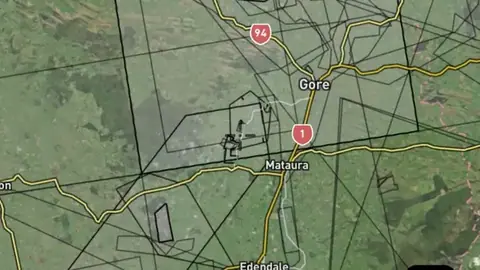
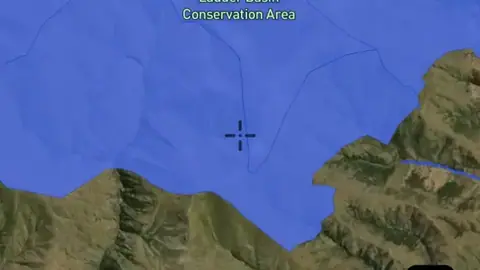
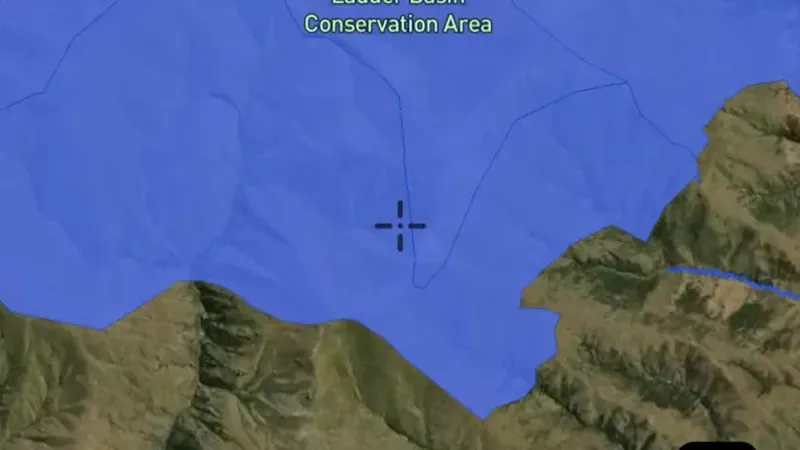
  • Public Access Conservation Land in the Detector Maps app, New Zealand© Mapbox, © Maxar
    Land Use & AccessExplorer

    Public Access Conservation Land

    These boundaries show parks, reserves or conservation areas.

    Read the write-up
    Public Access Conservation Land in the Detector Maps app, New Zealand© Mapbox, © Maxar

    A screen from the Detector Maps app. Satellite imagery © Mapbox, © Maxar.

    Explorer. Opens with Explorer or Pro. On the Free plan it works inside your one free area of 250 km².

    Open in the app

    About this layer

    These boundaries show parks, reserves or conservation areas. They help you identify the land manager and areas that need further access checks. A park boundary alone does not tell you which activities are permitted there.

    What it is for

    Turn on the relevant layers together and read their legends and notes. Check current conditions with the land manager before planning a visit.

    Limits

    An unshaded area is not automatically available for detecting. Different permissions and restrictions can overlap.

    Source

    Data provided by Land Information New Zealand (LINZ), GNS Science and New Zealand Petroleum & Minerals (NZP&M), licensed under CC BY 4.0
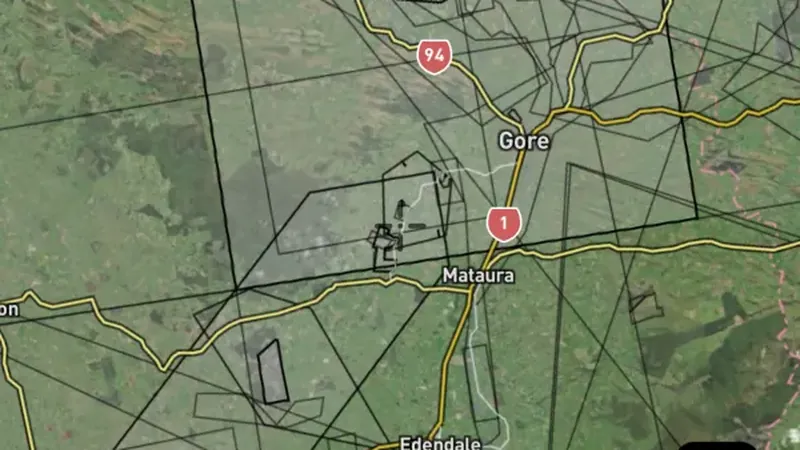
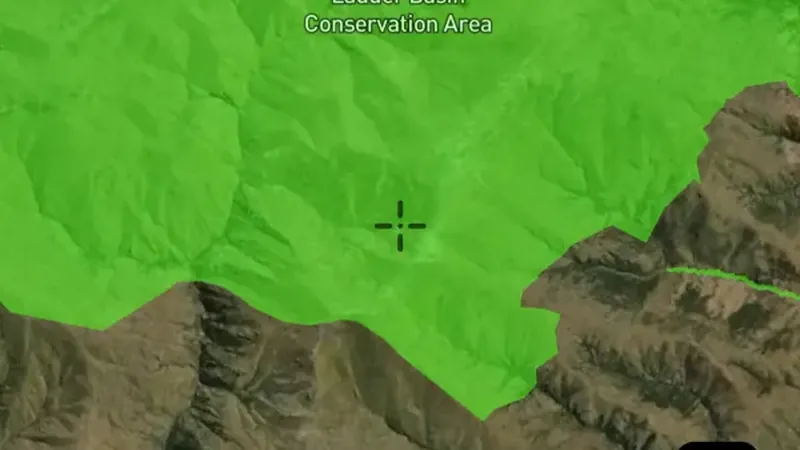
  • DOC Conservation Areas in the Detector Maps app, New Zealand© Mapbox, © Maxar
    Land Use & AccessExplorer

    DOC Conservation Areas

    These boundaries show parks, reserves or conservation areas.

    Read the write-up
    DOC Conservation Areas in the Detector Maps app, New Zealand© Mapbox, © Maxar

    A screen from the Detector Maps app. Satellite imagery © Mapbox, © Maxar.

    Explorer. Opens with Explorer or Pro. On the Free plan it works inside your one free area of 250 km².

    Open in the app

    About this layer

    These boundaries show parks, reserves or conservation areas. They help you identify the land manager and areas that need further access checks. A park boundary alone does not tell you which activities are permitted there.

    What it is for

    Turn on the relevant layers together and read their legends and notes. Check current conditions with the land manager before planning a visit.

    Limits

    An unshaded area is not automatically available for detecting. Different permissions and restrictions can overlap.

    Source

    Data provided by Land Information New Zealand (LINZ), GNS Science and New Zealand Petroleum & Minerals (NZP&M), licensed under CC BY 4.0
Property Boundaries

1
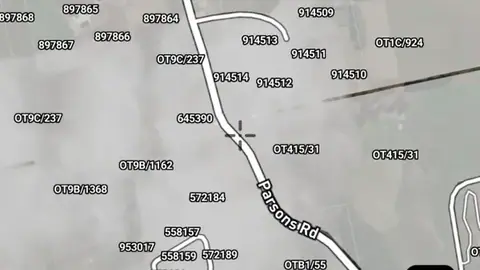
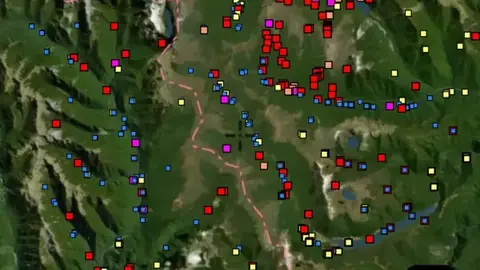
  • Property Boundaries in the Detector Maps app, New Zealand© Mapbox, © Maxar
    Property BoundariesExplorer

    Property Boundaries

    Property boundaries show how the land is divided into parcels.

    Read the write-up
    Property Boundaries in the Detector Maps app, New Zealand© Mapbox, © Maxar

    A screen from the Detector Maps app. Satellite imagery © Mapbox, © Maxar.

    Explorer. Opens with Explorer or Pro. On the Free plan it works inside your one free area of 250 km².

    Open in the app

    About this layer

    Property boundaries show how the land is divided into parcels. Use the outlines to identify the land you want to research and check the available parcel details. A boundary does not give permission to enter or establish a public route.

    What it is for

    Use the outlines to identify the parcel you want to research, then check the relevant land records and access arrangements.

    Limits

    Map boundaries can be approximate. A parcel outline does not identify a public route or give permission to enter.

    Source

    Data provided by Land Information New Zealand (LINZ), GNS Science and New Zealand Petroleum & Minerals (NZP&M), licensed under CC BY 4.0
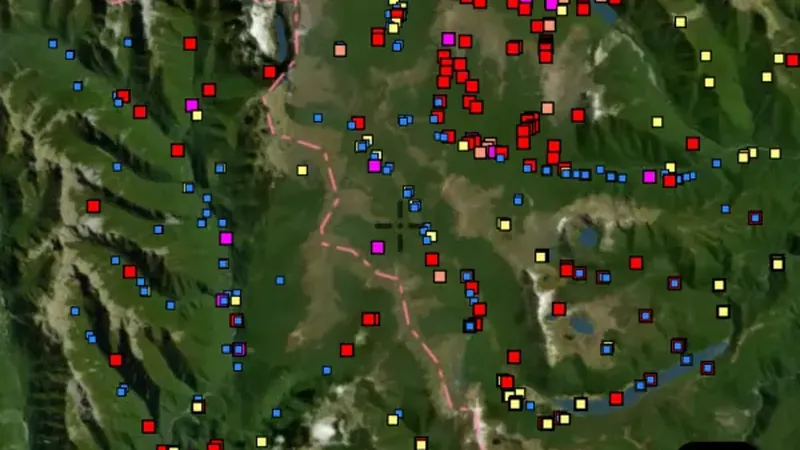
Geology

4
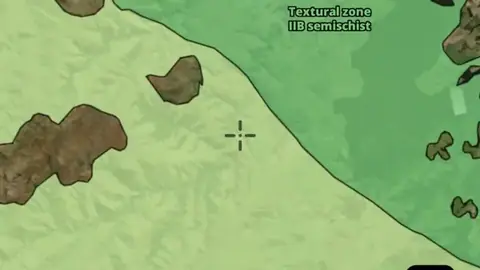
  • Textural Zones in the Detector Maps app, New Zealand© Mapbox, © Maxar
    GeologyExplorer

    Textural Zones

    Textural zones group rocks by features of their texture, such as how minerals are arranged.

    Read the write-up
    Textural Zones in the Detector Maps app, New Zealand© Mapbox, © Maxar

    A screen from the Detector Maps app. Satellite imagery © Mapbox, © Maxar.

    Explorer. Opens with Explorer or Pro. On the Free plan it works inside your one free area of 250 km².

    Open in the app

    About this layer

    Textural zones group rocks by features of their texture, such as how minerals are arranged. They can help you recognise changes within metamorphic country. Read them alongside geology and sample results rather than using texture alone as a target.

    What it is for

    Use the legend to identify colours and line symbols. Compare rock boundaries and structures with mineral records and terrain.

    Limits

    Geological maps simplify the ground at their stated scale. Boundaries are interpretations and may not match what is exposed at the surface.

    Source

    Data provided by Land Information New Zealand (LINZ), GNS Science and New Zealand Petroleum & Minerals (NZP&M), licensed under CC BY 4.0
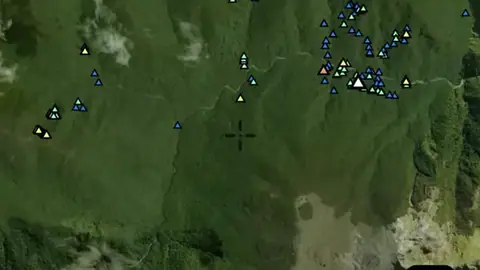
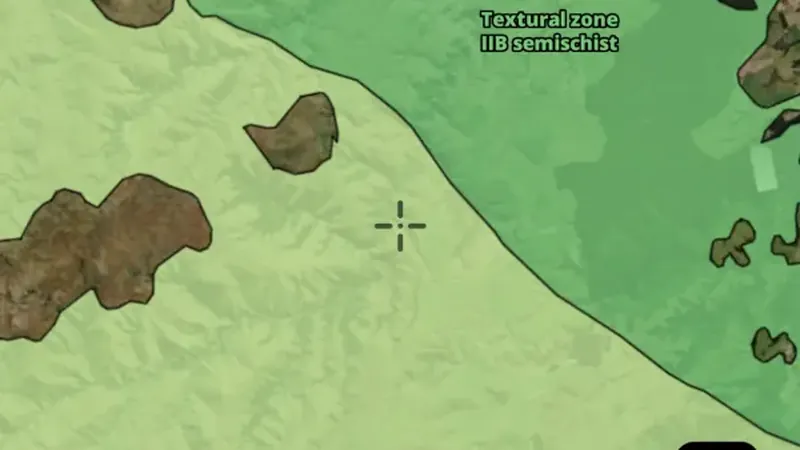
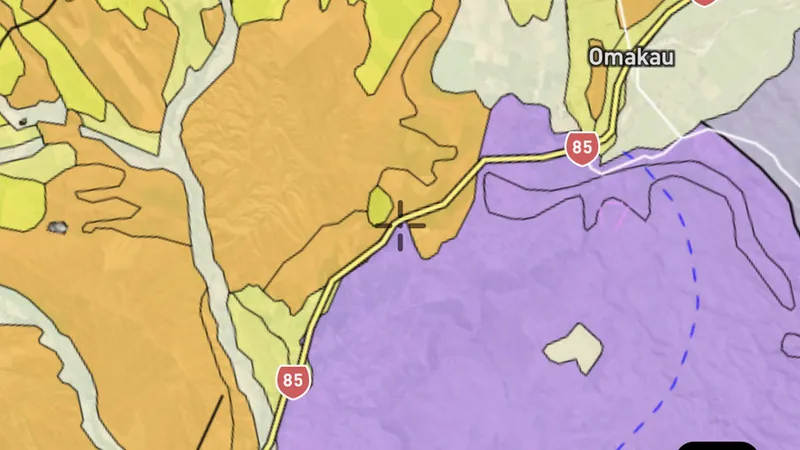
  • Metamorphic Units in the Detector Maps app, New Zealand© Mapbox, © Maxar
    GeologyExplorer

    Metamorphic Units

    Metamorphic units group rocks changed by heat and pressure.

    Read the write-up
    Metamorphic Units in the Detector Maps app, New Zealand© Mapbox, © Maxar

    A screen from the Detector Maps app. Satellite imagery © Mapbox, © Maxar.

    Explorer. Opens with Explorer or Pro. On the Free plan it works inside your one free area of 250 km².

    Open in the app

    About this layer

    Metamorphic units group rocks changed by heat and pressure. Use the legend to identify each unit and compare boundaries with mineral records. The unit name describes the rocks, not a promise of gold.

    What it is for

    Use the legend to identify colours and line symbols. Compare rock boundaries and structures with mineral records and terrain.

    Limits

    Geological maps simplify the ground at their stated scale. Boundaries are interpretations and may not match what is exposed at the surface.

    Source

    Data provided by Land Information New Zealand (LINZ), GNS Science and New Zealand Petroleum & Minerals (NZP&M), licensed under CC BY 4.0
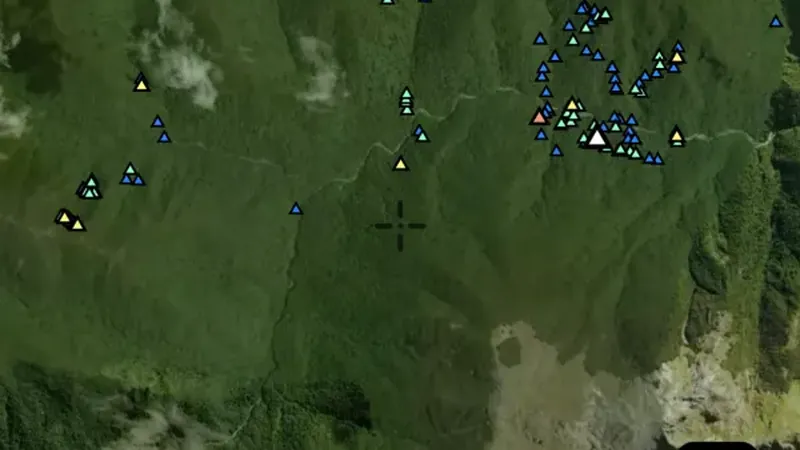
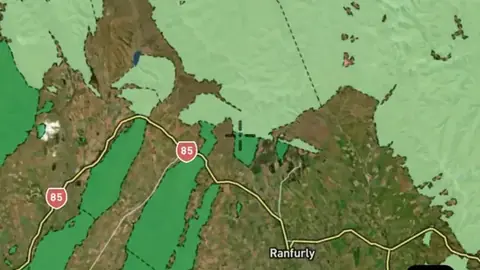
  • Geological Structure in the Detector Maps app, New Zealand© Mapbox, © Maxar
    GeologyExplorer

    Geological Structure

    Geological structures show mapped features such as faults, folds, veins and the direction of rock layers.

    Read the write-up
    Geological Structure in the Detector Maps app, New Zealand© Mapbox, © Maxar

    A screen from the Detector Maps app. Satellite imagery © Mapbox, © Maxar.

    Explorer. Opens with Explorer or Pro. On the Free plan it works inside your one free area of 250 km².

    Open in the app

    About this layer

    Geological structures show mapped features such as faults, folds, veins and the direction of rock layers. Compare their pattern with nearby mineral records. A mapped line is a geological clue, not a confirmed line of gold.

    What it is for

    Use the legend to identify colours and line symbols. Compare rock boundaries and structures with mineral records and terrain.

    Limits

    Geological maps simplify the ground at their stated scale. Boundaries are interpretations and may not match what is exposed at the surface.

    Source

    Data provided by Land Information New Zealand (LINZ), GNS Science and New Zealand Petroleum & Minerals (NZP&M), licensed under CC BY 4.0
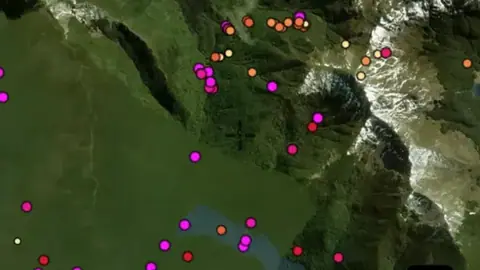
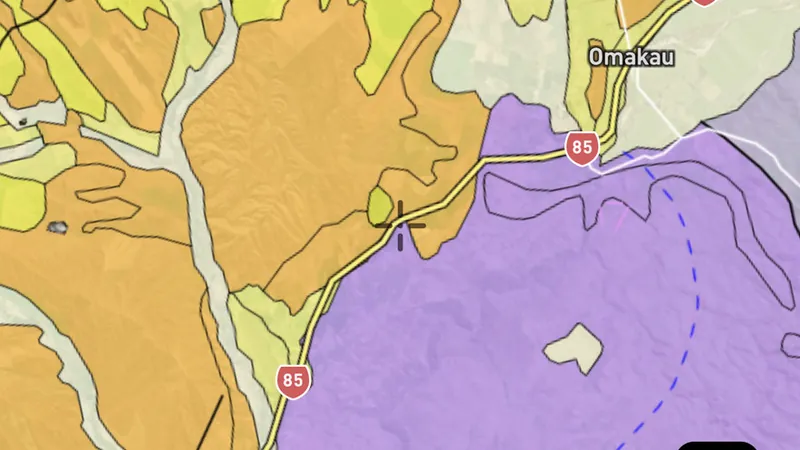
  • Geology 250k in the Detector Maps app, New Zealand© Mapbox, © Maxar
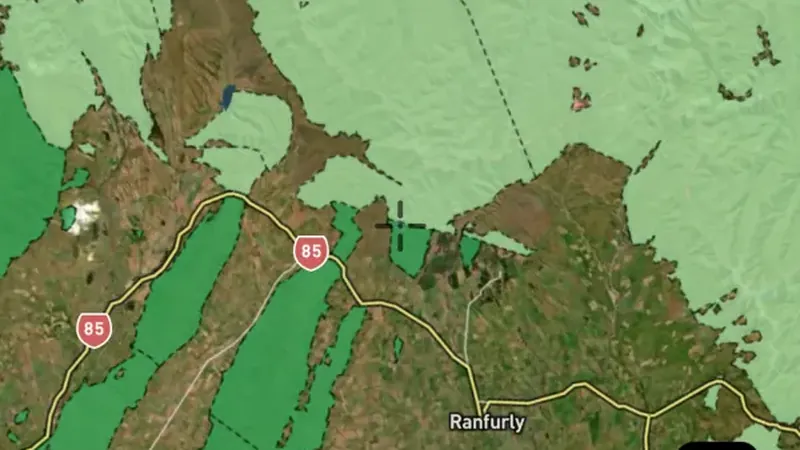
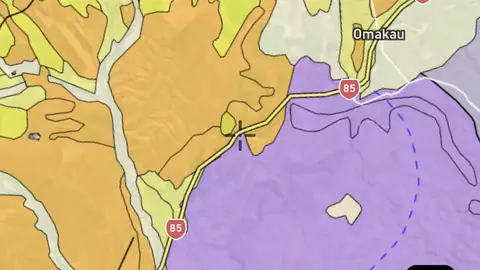
    GeologyExplorer

    Geology 250k

    Geological maps divide the ground into rock or sediment units.

    Read the write-up
    Geology 250k in the Detector Maps app, New Zealand© Mapbox, © Maxar

    A screen from the Detector Maps app. Satellite imagery © Mapbox, © Maxar.

    Explorer. Opens with Explorer or Pro. On the Free plan it works inside your one free area of 250 km².

    Open in the app

    About this layer

    Geological maps divide the ground into rock or sediment units. Colours and patterns tell you which mapped unit is present; use the legend to read them. Compare the boundaries with mineral records, without assuming one rock type guarantees gold.

    What it is for

    Use the legend to identify colours and line symbols. Compare rock boundaries and structures with mineral records and terrain.

    Limits

    Geological maps simplify the ground at their stated scale. Boundaries are interpretations and may not match what is exposed at the surface.

    Source

    Data provided by Land Information New Zealand (LINZ), GNS Science and New Zealand Petroleum & Minerals (NZP&M), licensed under CC BY 4.0
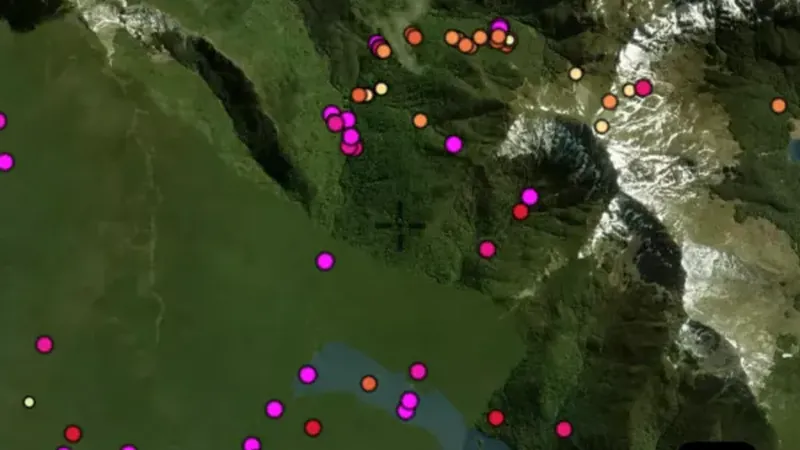
    Filters in the app

    Attribute filters

LiDAR

1
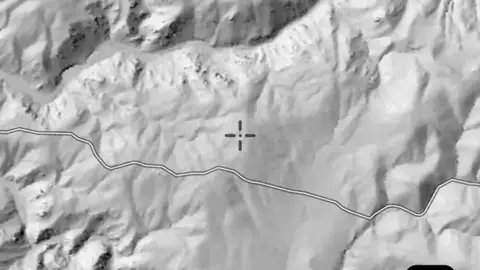
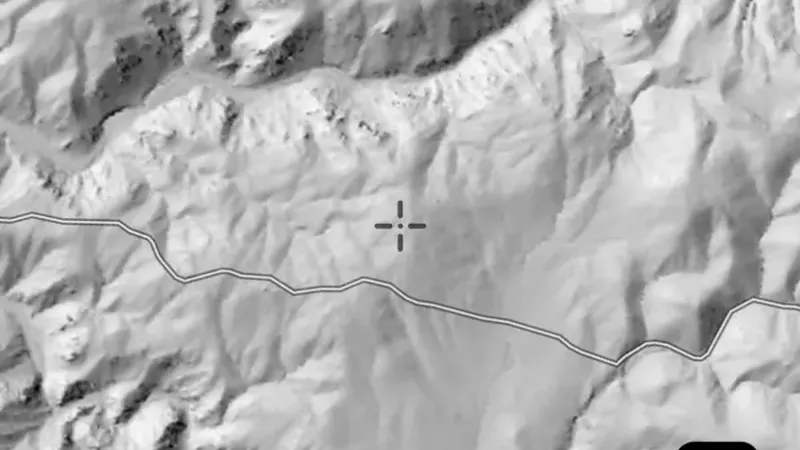
  • Premium Hillshade in the Detector Maps app, New Zealand© Mapbox, © Maxar
    LiDARExplorer

    Premium Hillshade

    LiDAR uses laser measurements to map the shape of the ground.

    Read the write-up
    Premium Hillshade in the Detector Maps app, New Zealand© Mapbox, © Maxar

    A screen from the Detector Maps app. Satellite imagery © Mapbox, © Maxar.

    Explorer. Opens with Explorer or Pro.

    Open in the app

    About this layer

    LiDAR uses laser measurements to map the shape of the ground. Hillshade adds simulated light and shadow so banks, channels, diggings and other surface features are easier to see. It shows ground shape, not buried metal.

    What it is for

    Zoom in and compare shapes with the basemap. If this layer offers lighting or rendering controls, compare more than one view.

    Limits

    Natural features and modern disturbance can resemble old workings or archaeology. Coverage and detail vary between surveys.

    Source

    Data provided by Land Information New Zealand (LINZ), GNS Science and New Zealand Petroleum & Minerals (NZP&M), licensed under CC BY 4.0
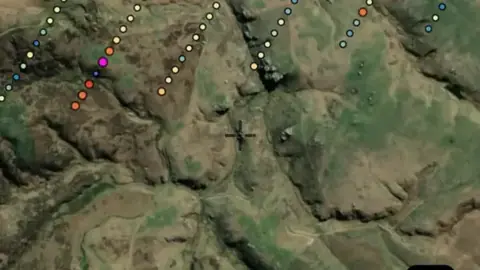
    Draws from zoom 6.

Basemaps

2
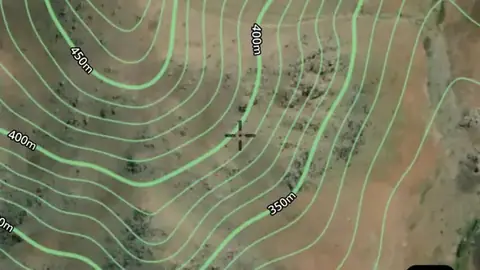
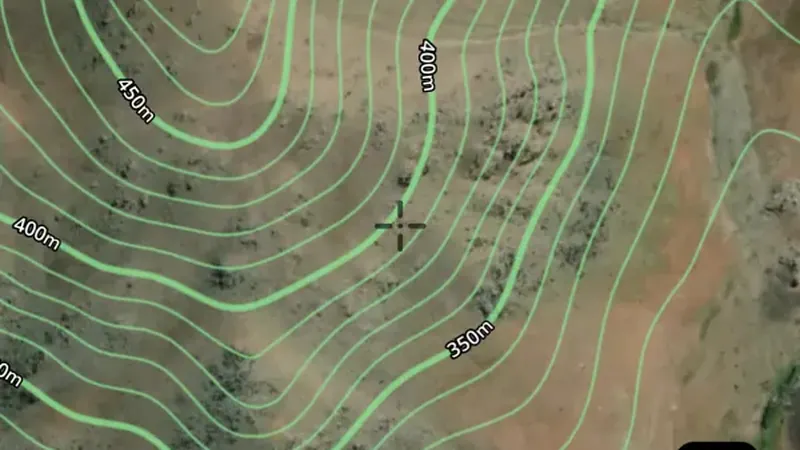
  • Contours in the Detector Maps app, New Zealand© Mapbox, © Maxar
    BasemapsExplorer

    Contours

    Contour lines join places at the same height.

    Read the write-up
    Contours in the Detector Maps app, New Zealand© Mapbox, © Maxar

    A screen from the Detector Maps app. Satellite imagery © Mapbox, © Maxar.

    Explorer. Opens with Explorer or Pro. On the Free plan it works inside your one free area of 250 km².

    Open in the app

    About this layer

    Contour lines join places at the same height. Closely spaced lines usually show steeper ground; wider gaps show gentler slopes. Use the height labels and nearby waterways to understand ridges, valleys and possible routes.

    What it is for

    Closely spaced lines indicate steeper ground. Use the labels and terrain together to understand ridges, slopes and valleys.

    Limits

    Contours simplify the terrain at their map scale. Small workings, obstacles and local hazards may not appear.

    Source

    Data provided by Land Information New Zealand (LINZ), GNS Science and New Zealand Petroleum & Minerals (NZP&M), licensed under CC BY 4.0
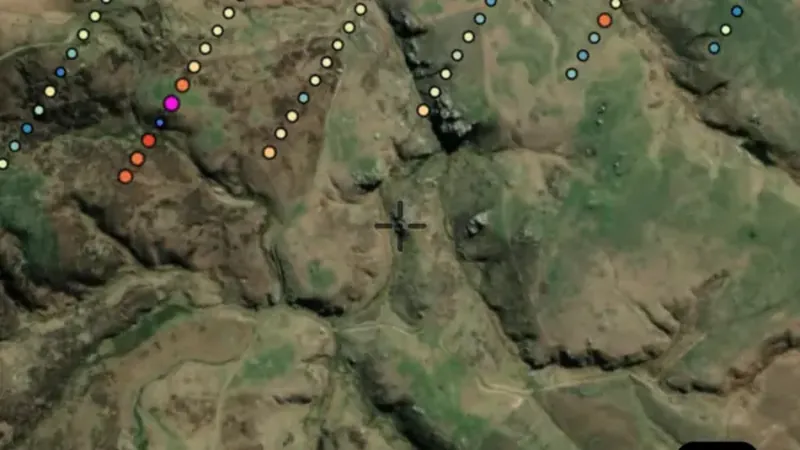
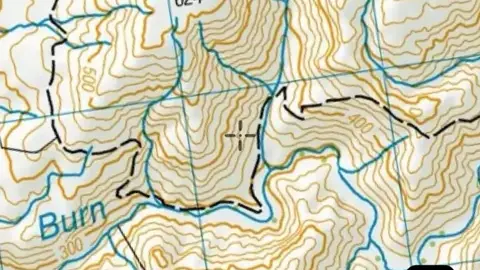
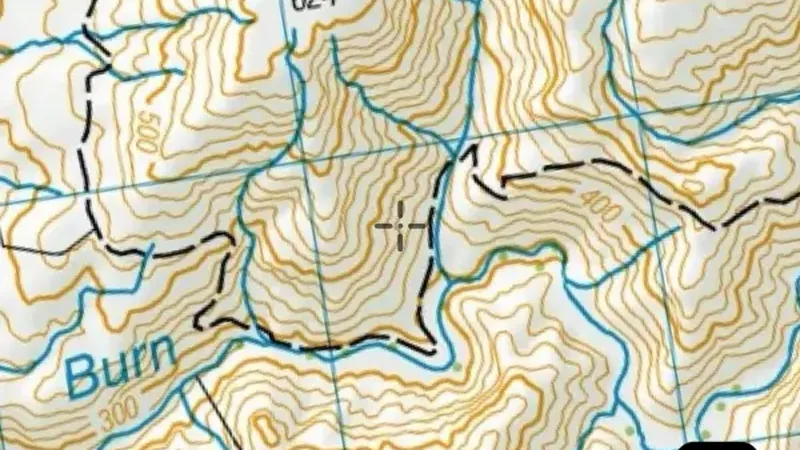
  • 50k Topography in the Detector Maps app, New Zealand© Mapbox, © Maxar
    BasemapsExplorer

    50k Topography

    Topographic maps show the shape of the land alongside mapped features such as waterways, roads and place names.

    Read the write-up
    50k Topography in the Detector Maps app, New Zealand© Mapbox, © Maxar

    A screen from the Detector Maps app. Satellite imagery © Mapbox, © Maxar.

    Explorer. Opens with Explorer or Pro. On the Free plan it works inside your one free area of 250 km².

    Open in the app

    About this layer

    Topographic maps show the shape of the land alongside mapped features such as waterways, roads and place names. They help you orient yourself and plan a route. Features reflect the map data and may differ from current conditions.

    What it is for

    Compare the basemap with the layers you are researching. Adjust overlay opacity when you need to see both together.

    Limits

    Imagery and mapped features may be from different dates. Small details and current ground conditions may differ.

    Source

    Data provided by Land Information New Zealand (LINZ), GNS Science and New Zealand Petroleum & Minerals (NZP&M), licensed under CC BY 4.0
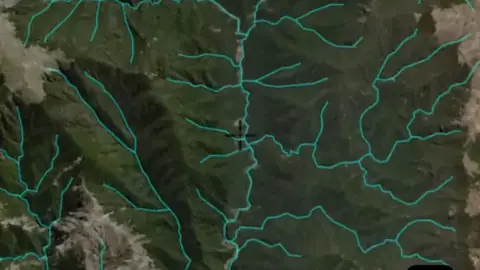
    Draws from zoom 4.

Sources

Where the data comes from.

Every card names its source. The sources named on this page are:

  • Data provided by Land Information New Zealand (LINZ), GNS Science and New Zealand Petroleum & Minerals (NZP&M), licensed under CC BY 4.0 CC BY 4.0
Satellite imagery © Mapbox, © Maxar. Layer data from the sources named on each card.

Plans

What the pills mean.

Every layer shows the plan that opens it. The free plan never runs out. Prices are shown once, here.

Free

Open on every plan, forever. Includes gold records.

Explorer

Opens every base layer, and offline maps for the areas you choose. NZ$99 a year or NZ$9.99 a month.

Pro

Permit alerts and permits ending soon. Report search across 5,000+ exploration reports. NZ$249 a year or NZ$34.99 a month.

7-day free trial on yearly plans · Nothing charged until it ends · Cancel anytime.

Prices are in New Zealand dollars.

Satellite imagery © Mapbox, © Maxar. Layer data from the sources named on each card.

Get Detector Maps

Plan the next trip tonight.

Free to download on iPhone and Android.

On iPhone? Get it on the App StoreOn Android? Get it on Google Play

Free to download on iPhone and Android.

7-day free trial on yearly plans · Nothing charged until it ends · Cancel anytime.

Scan with your phone camera to get the app
Open the web map

On your phone: App Store · Google Play

7-day free trial on yearly plans · Nothing charged until it ends · Cancel anytime.

Or open the web map

The Detector Maps support inbox is staffed by Matt and Tom, the two brothers who built it. Contact us

Scan with your phone camera to get the app