
Terrain+™ Analysis
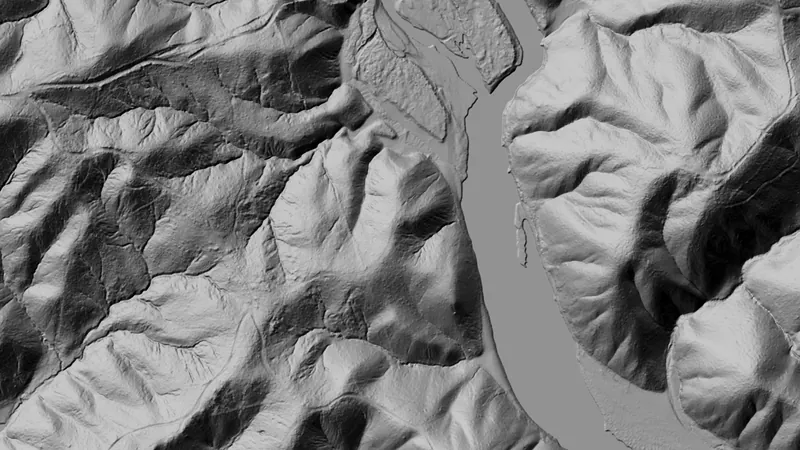
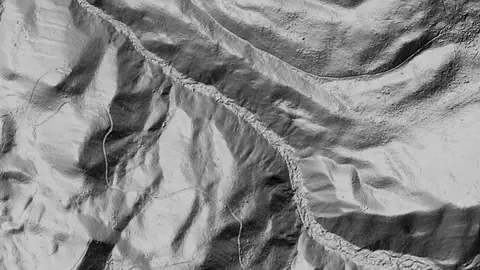
Outline an area of any shape and see the ground full screen as a 3D surface, with a VE slider to raise or flatten it. Any layer can be draped over it.
On iPhone? Get it on the App StoreOn Android? Get it on Google Play
Free to download on iPhone and Android.
7-day free trial on yearly plans · Nothing charged until it ends · Cancel anytime.
On your phone: App Store · Google Play
7-day free trial on yearly plans · Nothing charged until it ends · Cancel anytime.
 © Mapbox, © Maxar
Satellite imagery © Mapbox, © Maxar. Layer data from the sources named on each card.
About this layer
Terrain+™ Analysis builds a 3D model of ground you outline, from the LiDAR. Raise the VE slider to make low banks, pits and hollows easier to see and drape any layer over the model. It shows Dynamic LiDAR™ in the look you choose, such as local relief, sky view or VAT. The model shows the ground surface the LiDAR measured, not what lies beneath it. Save a model with the button beside the X to keep it on the phone for 30 days and open it from the Terrain+™ LiDAR menu in the field, without a connection.
What it is for
Tap round the area you want to model, build it, then tilt, turn and raise the VE slider to bring out low banks, pits and hollows. Drape any layer over it. The model shows Dynamic LiDAR™, turned on as it is built: its LiDAR button sets the look (hillshade, slope, local relief, sky view and openness, VAT and more), each with settings to bring out the features you are after.
Limits
The model shows the ground surface the lidar measured, not what lies beneath it. Detail and dates vary between surveys, and gaps are filled from the ground around them.
Where it works in USA gold.
Drawn in each state.
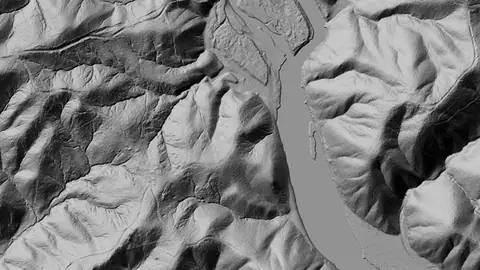 © Mapbox, © MaxarAlabama Pro
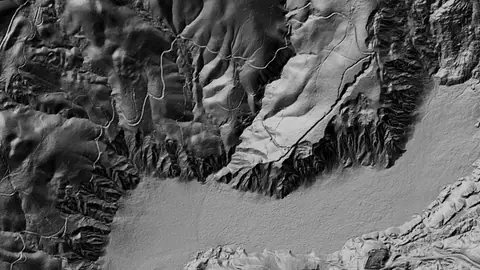 © Mapbox, © MaxarAlaska Pro
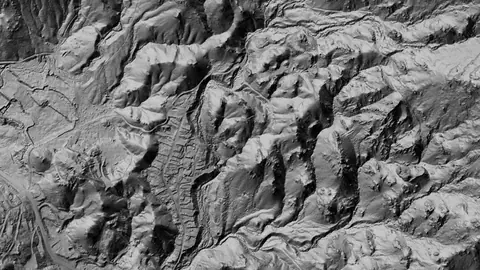 © Mapbox, © MaxarArizona Pro
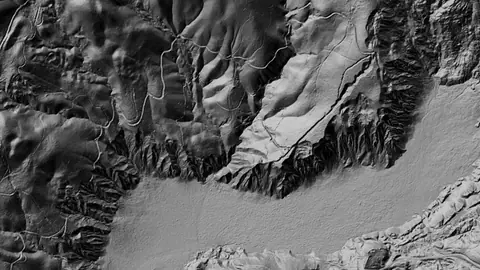 © Mapbox, © MaxarCalifornia Pro
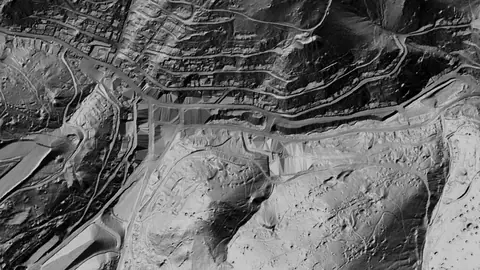 © Mapbox, © MaxarColorado Pro
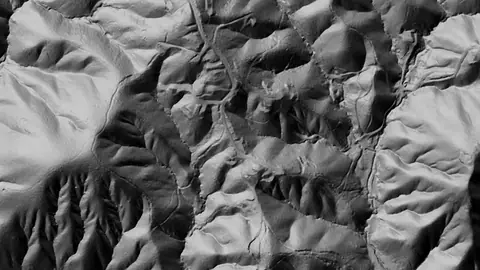 © Mapbox, © MaxarGeorgia Pro
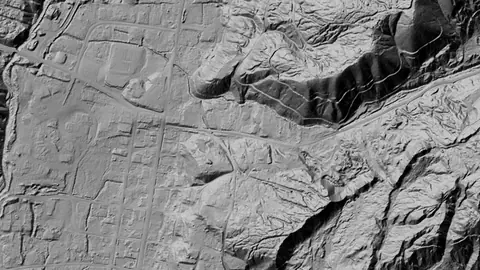 © Mapbox, © MaxarIdaho Pro
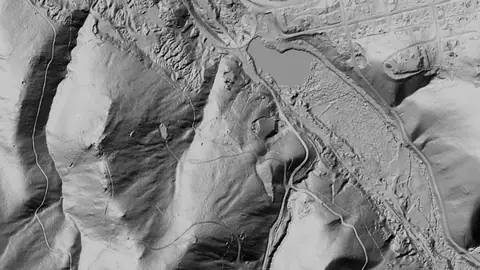 © Mapbox, © MaxarMontana Pro
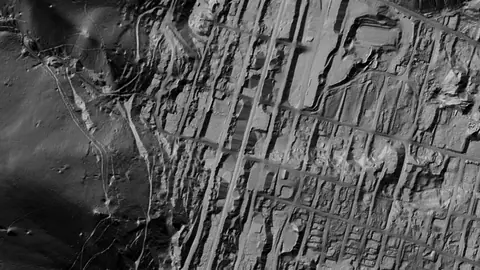 © Mapbox, © MaxarNevada Pro
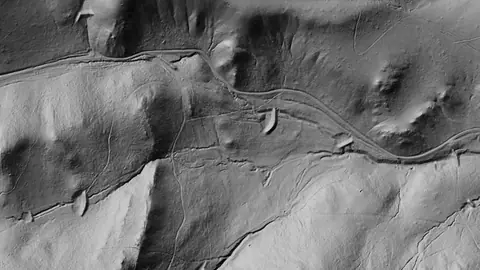 © Mapbox, © MaxarNew Mexico Pro
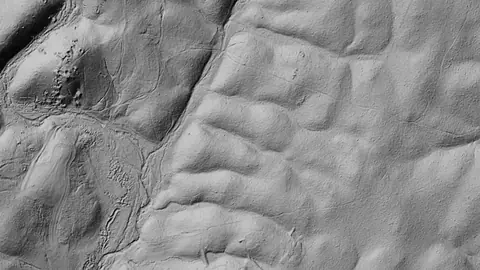 © Mapbox, © MaxarNorth Carolina Pro
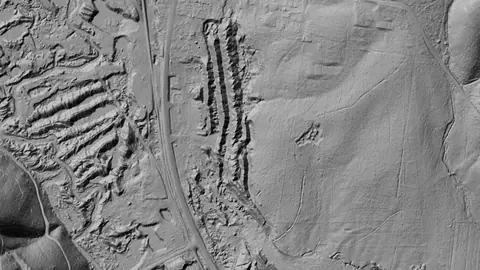 © Mapbox, © MaxarOregon Pro
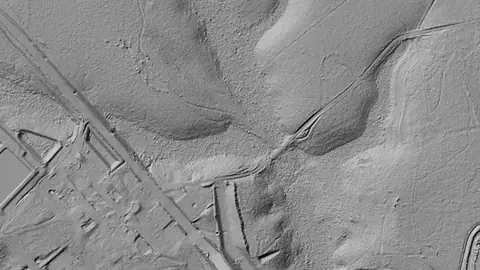 © Mapbox, © MaxarSouth Carolina Pro
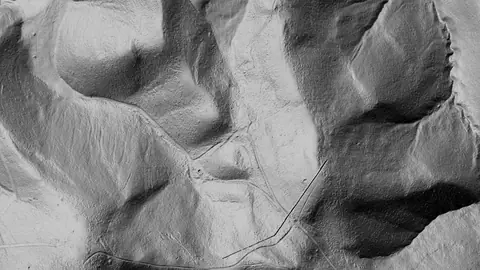 © Mapbox, © MaxarUtah Pro
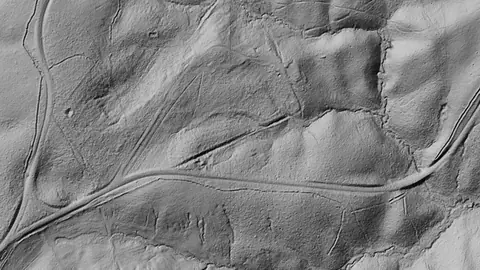 © Mapbox, © MaxarVirginia Pro
 © Mapbox, © MaxarWashington Pro
Satellite imagery © Mapbox, © Maxar. Layer data from the sources named on each card.
Where the data comes from.
Data provided by the U.S. Geological Survey (USGS), Bureau of Land Management (BLM), U.S. Forest Service (USFS), and ReportAll USA (Licensed), licensed under USGS Public Domain and other applicable licenses USGS Public Domain
Data provided by the U.S. Geological Survey (USGS), the Alaska Division of Geological & Geophysical Surveys (DGGS), the Alaska Department of Natural Resources (DNR), Bureau of Land Management (BLM), U.S. Forest Service (USFS), and ReportAll USA (Licensed), licensed under USGS Public Domain and other applicable licenses USGS Public Domain
What the pills mean.
Every layer shows the plan that opens it. The free plan never runs out. Prices are shown once, here.
Open on every plan, forever. Includes gold records.
Opens every base layer, and offline maps for the areas you choose. $59.99 a year or $7.99 a month.
Dynamic LiDAR and Terrain+ 3D models. Property boundaries with landowner names. Claim alerts. $99.99 a year or $11.99 a month.
7-day free trial on yearly plans · Nothing charged until it ends · Cancel anytime.
Prices are in US dollars.
Satellite imagery © Mapbox, © Maxar. Layer data from the sources named on each card.
Plan the next trip tonight.
Free to download on iPhone and Android.
On iPhone? Get it on the App StoreOn Android? Get it on Google Play
Free to download on iPhone and Android.
7-day free trial on yearly plans · Nothing charged until it ends · Cancel anytime.
On your phone: App Store · Google Play
7-day free trial on yearly plans · Nothing charged until it ends · Cancel anytime.
The Detector Maps support inbox is staffed by Matt and Tom, the two brothers who built it. Contact us